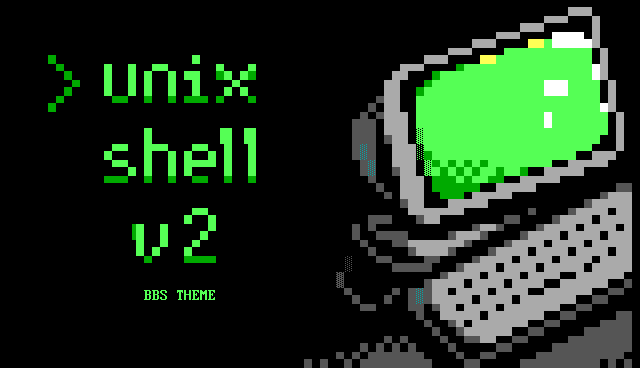
Unix Shell Vol. 2,
Which license do I need?
Prices on the site follow this switch. You can upgrade to commercial later and pay only the difference.
Connect & login 4
Menus 10
Logoff 2
Headers & extras 6
ANSIGARDEN_
The download comes with install notes (INSTALL.txt). Want a head start? See which file each screen replaces on Mystic BBS or Synchronet.
Copy into your theme's text folder, for example mystic/themes/default/text/ (file names in lower case on Linux). File names can differ between Mystic BBS versions and setups, so check them in the official documentation before you install. Mystic BBS wiki: Display Files (opens in a new tab)
| Screen | File on Mystic BBS |
|---|---|
| Pre-login | prelogon.ans |
| Login ×3, shown at random | prelogon.ans |
| Main menu | main.ans (menu display file) |
| Door menu | doors.ans (menu display file) |
| Menu ×5, shown at random | No standard spot: show it from a menu or script |
| Stats / last callers ×2, shown at random | lastcall.ans (menu display file) |
| Oneliners | oneliner.ans (menu display file) |
| Logoff ×2, shown at random | logoff.ans |
| Header ×6, shown at random | No standard spot: show it from a menu or script |
We don't offer support for setting up or running a BBS. For questions about Mystic BBS, ask its community and maintainers: Mystic BBS support (opens in a new tab)
Copy into the sbbs folder: menus in text/menu/, the rest in text/ (put your own copies in mods/ to keep them through upgrades). File names can differ between Synchronet versions and setups, so check them in the official documentation before you install. Synchronet wiki: Menu files (opens in a new tab)
| Screen | File on Synchronet |
|---|---|
| Pre-login | text/answer.msg |
| Login ×3, pick one | text/answer.msg |
| Main menu | text/menu/main.ans |
| Door menu | text/menu/xtrn_sec.ans |
| Menu ×5, pick one | No standard spot: show it from a menu or script |
| Stats / last callers ×2, pick one | No standard spot: show it from a menu or script |
| Oneliners | No standard spot: show it from a menu or script |
| Logoff ×2, pick one | text/menu/logoff.ans |
| Header ×6, pick one | No standard spot: show it from a menu or script |
We don't offer support for setting up or running a BBS. For questions about Synchronet, ask its community and maintainers: Synchronet support (opens in a new tab)